

Editorial campaign system / Version 2
Social media templates built around a campaign
These editorial social media templates combine 100 editable layouts with a campaign playbook, caption prompts and a 30-day content calendar. Choose a message, connect it to evidence, then adapt the sequence to square posts, portrait posts, stories and landscape graphics.
The system contains 30 strategic content modules adapted across the formats where they fit. The count of 100 refers to the total layouts across four files, not 100 unrelated concepts or 100 layouts in every format.
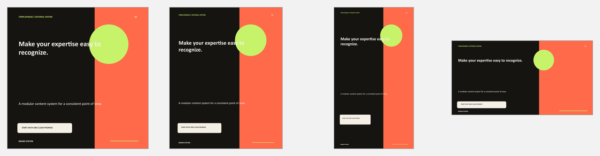
Four formats, separate editable files
| Square | 30 layouts at a 1080 × 1080 design ratio |
|---|---|
| Portrait | 25 layouts at a 1080 × 1350 design ratio |
| Stories | 25 layouts at a 1080 × 1920 design ratio |
| Landscape | 20 layouts at a 1200 × 628 design ratio |
| Editable source | 4 PowerPoint .pptx files with editable text and vector shapes |
| Supporting files | README, campaign playbook, caption prompts CSV, content calendar CSV and license |
| Download | 1 ZIP containing 9 files, English, Version 2 |
PowerPoint export resolution depends on the application and export method. Review the final image dimensions for your publishing platform.
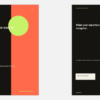
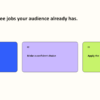
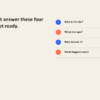
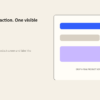
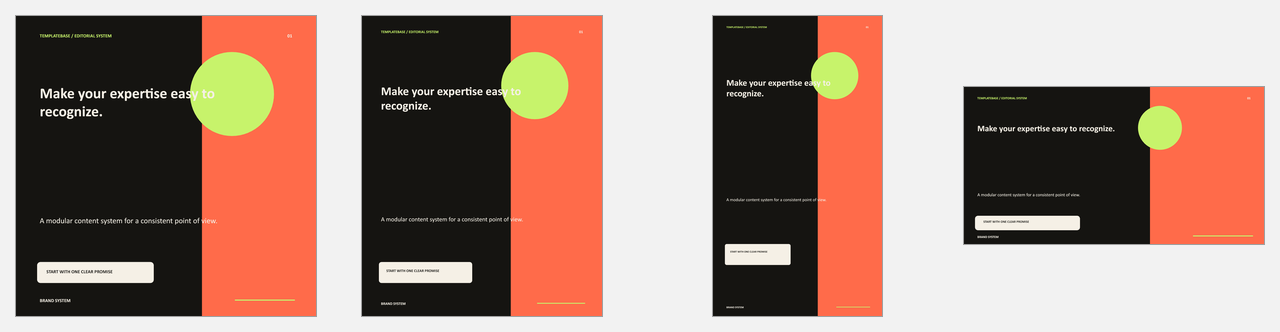
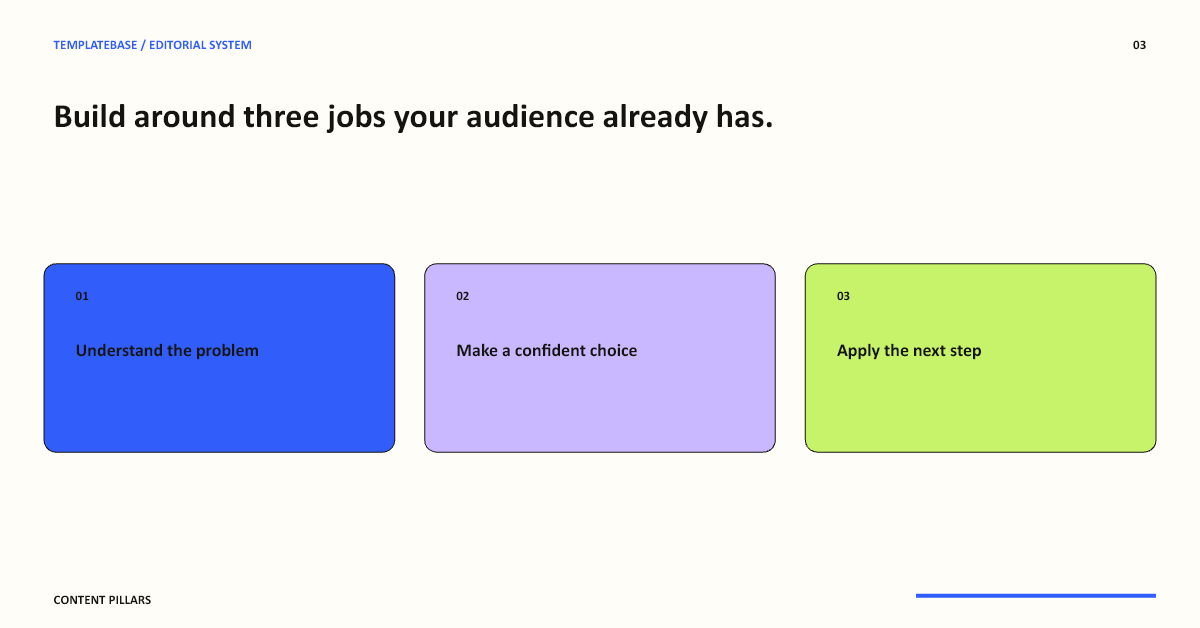
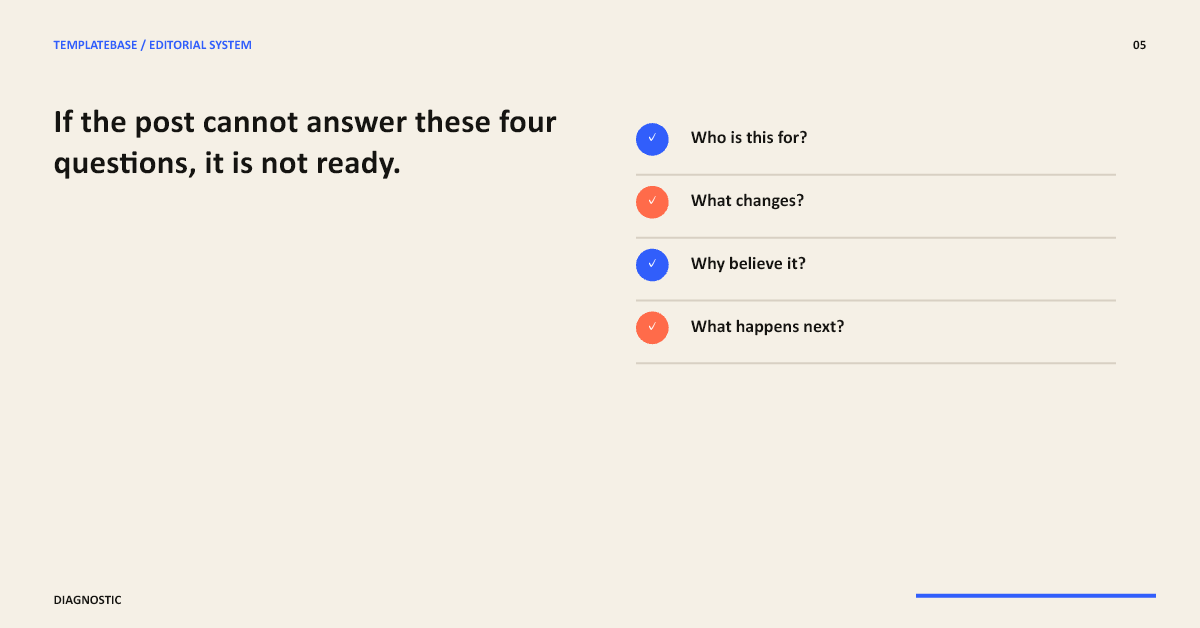
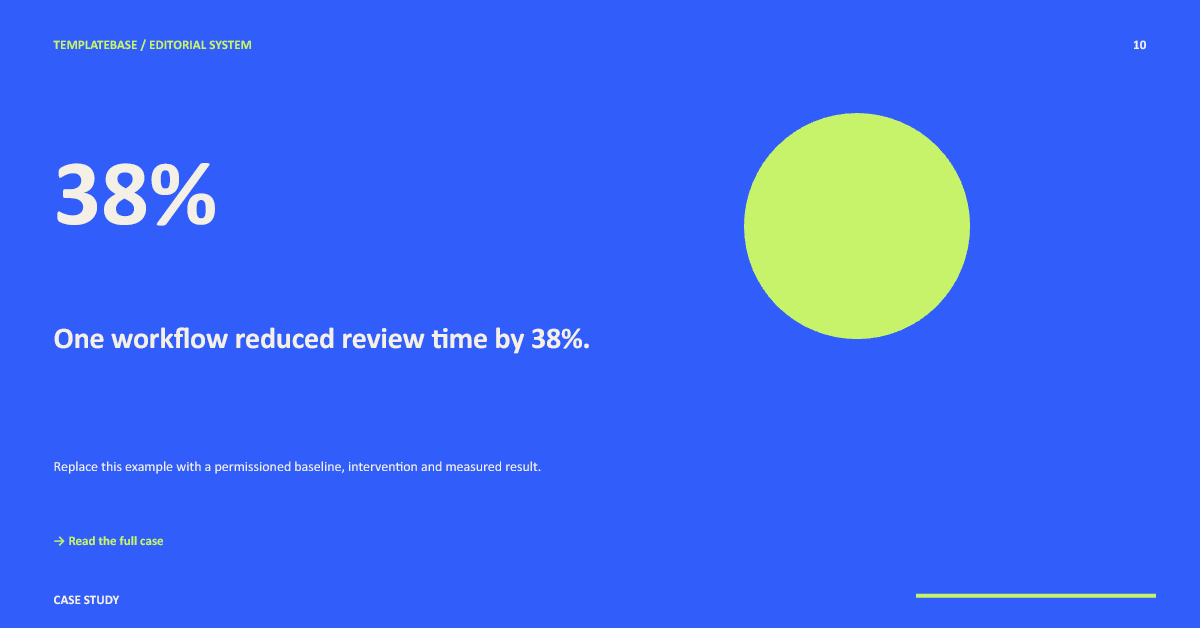
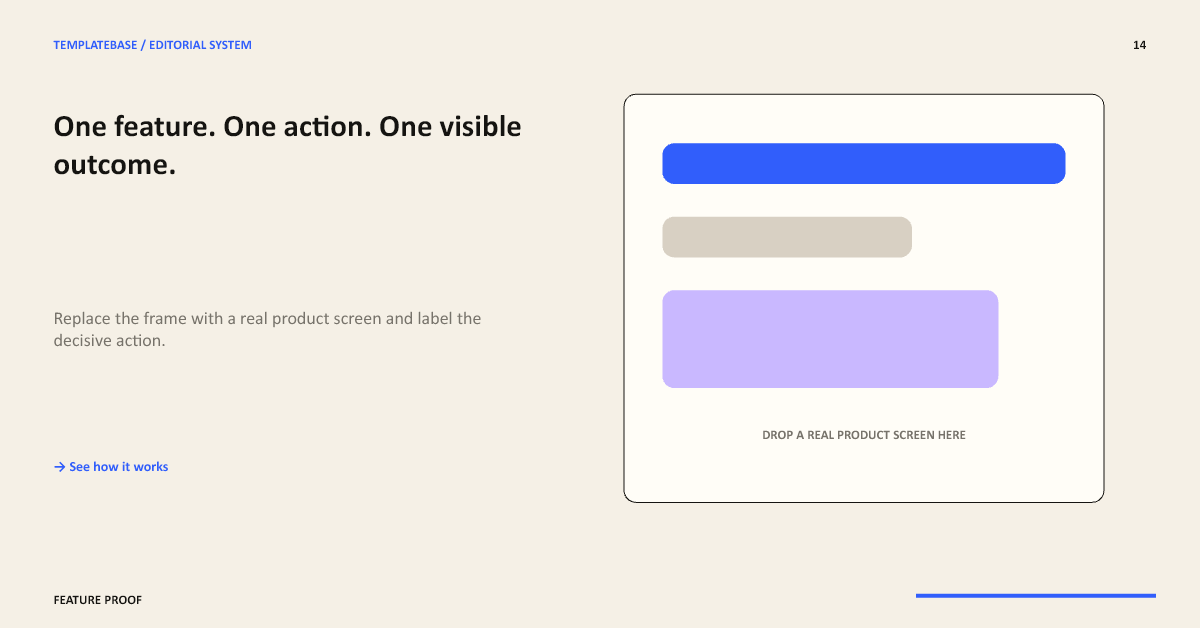
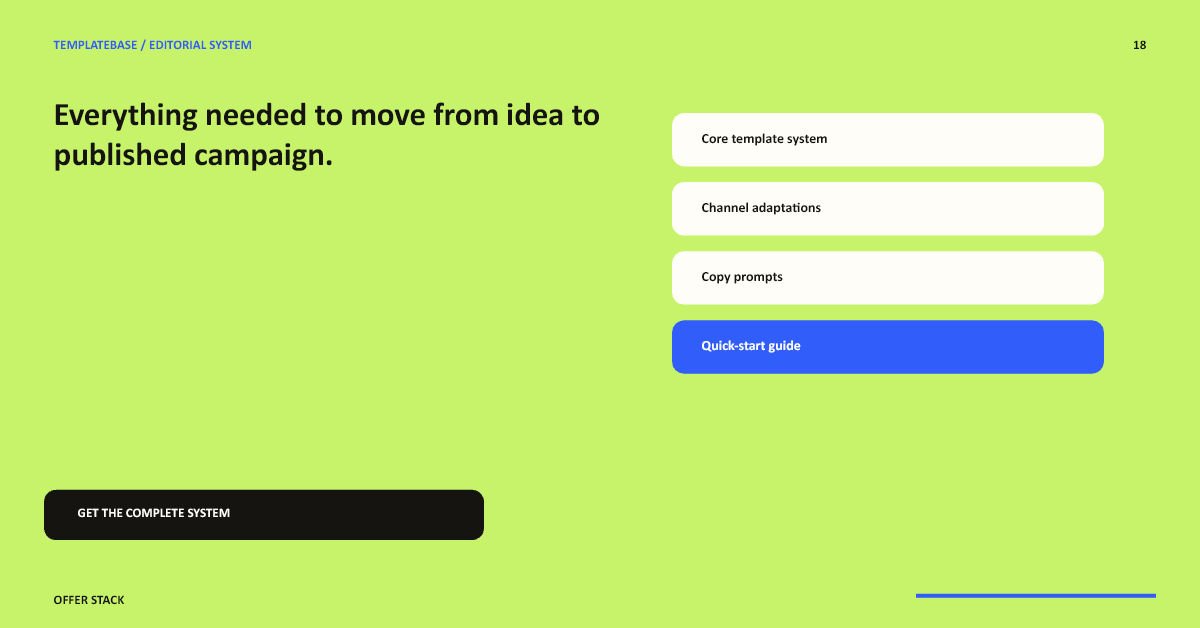
Preview the included social media templates
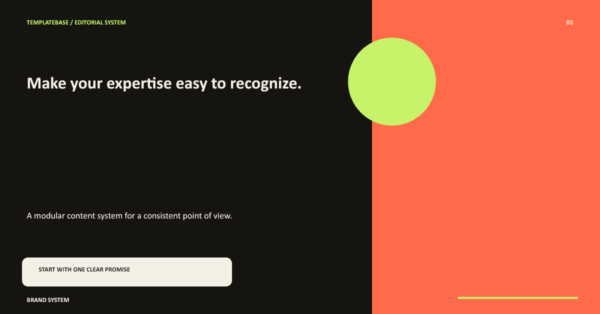
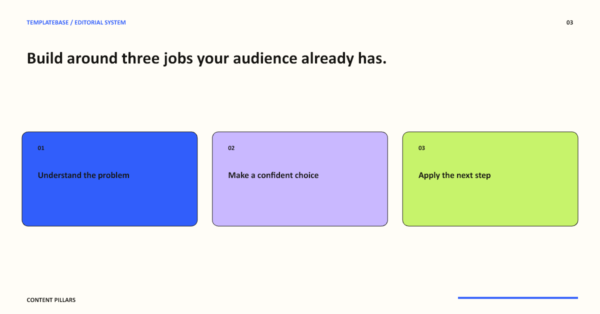
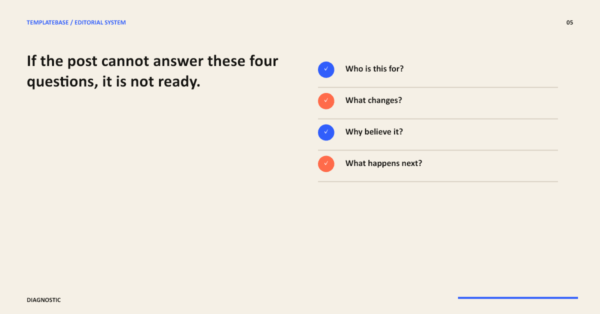
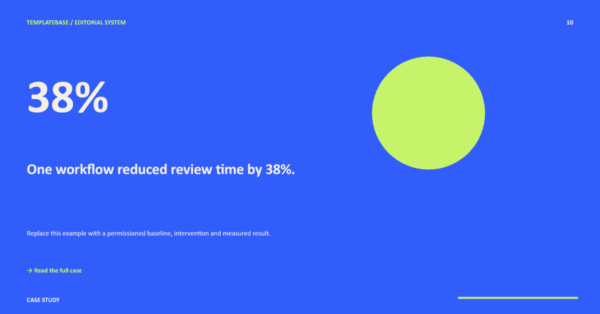
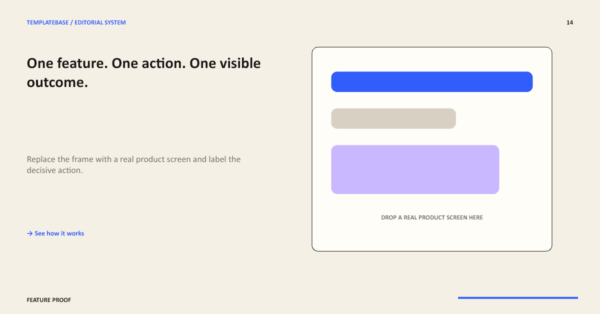
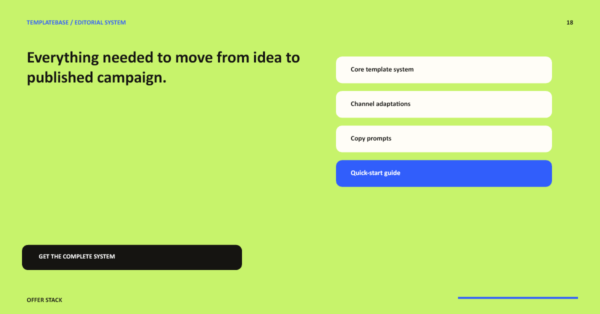
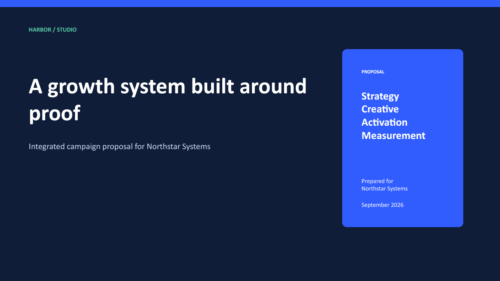
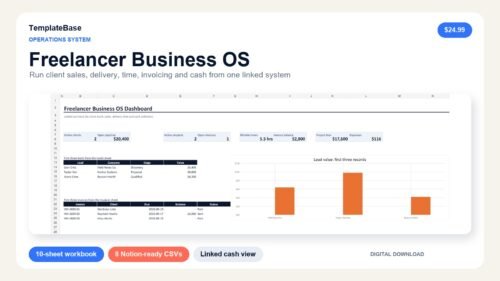
These previews show the actual editable layouts. Sample results, offers and claims are placeholders, not customer testimonials or promised outcomes.
What makes the files useful together
A consistent editorial style
A compact palette, typography and repeated layout structure help a campaign feel connected. Adjust the source colors and text to suit your own brand.
A purpose for each layout
Modules cover education, authority, proof, offers, launches and engagement. Speaker notes explain the use case, replacement checklist and caption prompt for each layout.
A planning layer
The playbook connects audience, promise and evidence. Caption prompts help develop the message, while the calendar provides a starting schedule you can edit.
From a brief to a usable campaign
- Choose one audience and one campaign outcome. Complete the brief in the playbook before selecting designs.
- Select a short sequence of layouts that introduces the problem, explains your approach, shows evidence and presents the next step.
- Open the dedicated file for the format you need. Replace the TemplateBase label, names, metrics, URLs, dates, offers and example claims.
- Use the caption prompts to add context. Check that every result or customer quotation is accurate and permissioned.
- Review spacing, fonts, contrast and final export size. Adapt the calendar to your own schedule and publish with your chosen tools.
The files do not publish posts or connect to social accounts automatically. You remain responsible for the final content and platform requirements.
Compatibility before you buy
The delivered source files are editable PPTX files. PowerPoint is the direct editing path. All four PPTX files were imported and checked in Canva on September 5, 2026. Page counts, canvas proportions and representative editable text and vector layouts were preserved. This edition does not include a native Canva duplication link, and every imported page should still be reviewed before publishing.
Use the dedicated aspect-ratio file rather than stretching a square design into a story. Third-party software subscriptions and scheduling tools are not included. TemplateBase is independent of Canva and Microsoft.
Questions about these social media templates
Are all 100 layouts different concepts?
No. The system adapts 30 strategic content modules across four formats, for 100 total editable layouts. This supports a consistent campaign across placements while keeping the source sizes separate.
Do I receive a native Canva template link?
No. You receive four PPTX source files and supporting guides. All four source files have been import-tested in Canva. Inspect every page for fonts, spacing and editable elements before publishing because application updates and account settings can affect conversion.
Can I change the text and colors?
Yes. Text and vector shapes are editable in the source files. Save an untouched backup, replace the sample branding and check the finished exports on the devices your audience uses.
Does the calendar schedule my posts?
No. The CSV calendar is an editable planning document. It does not connect to social platforms, send reminders or publish automatically.
Can I use the files for client work?
One license covers one end brand or organization and unlimited finished social graphics for that brand. Each separate client brand receiving editable source access requires another license. Resale, redistribution and public sharing of the editable templates are prohibited.
How do I get the download?
When this edition is available for purchase, successful payment provides the Google Drive-hosted ZIP through the order download and customer email. See Download Help for access assistance.
Reviews
There are no reviews yet.